
When the Videojet small character printer shows ink core time run out, it’s time to replace a new one to run down hours again. However, not everyone knows how to dismantle the old inkcore card and install a new one. No worry, it’s as simple as ABC, follow the steps and you can replace the inkcore board by yourself.
All you need is a screwdriver, firstly take the inkcore out, loosen the screws and you will see the inkcore board, then keep loosening the five screws which fix the inkcore board to the box. Bob’s your uncle now. When install the new inkcore board, just reverse the process of how your take out the old one.

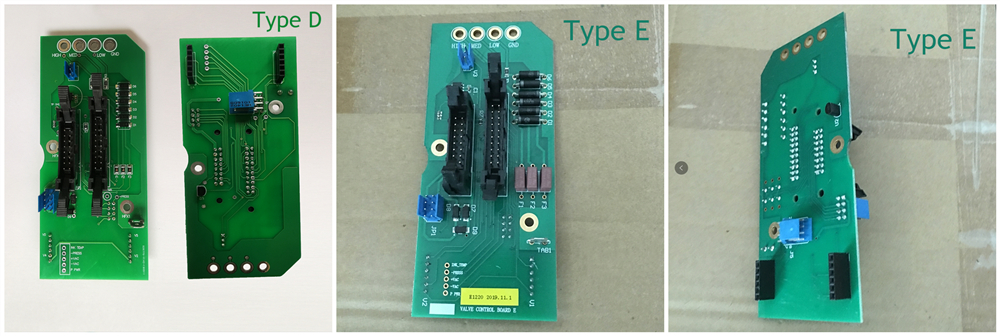
Just one more thing, most of Videojet CIJ printers apply type A inkcore card, but there are actually total 5 different type. To make sure everything is right, we better have a look at which type of inkcore board you are using now.

Any questions, please feel free to contact.


 L&S CIJ Codification Parts