
When our Videojet printer shows this, “New CUP has a different ink setting”, what should we do.

Don’t panic, follow below steps, it’s not difficult to sort it out.
- Enter the advanced password
- Select “Calibrate”
- Select “Update Ink Core Parameters”, done.
Knowing your printer’s advance password is key, or else we can’t proceed to step 2 because there is no choice of “Update Ink Core Parameters” on monitor.

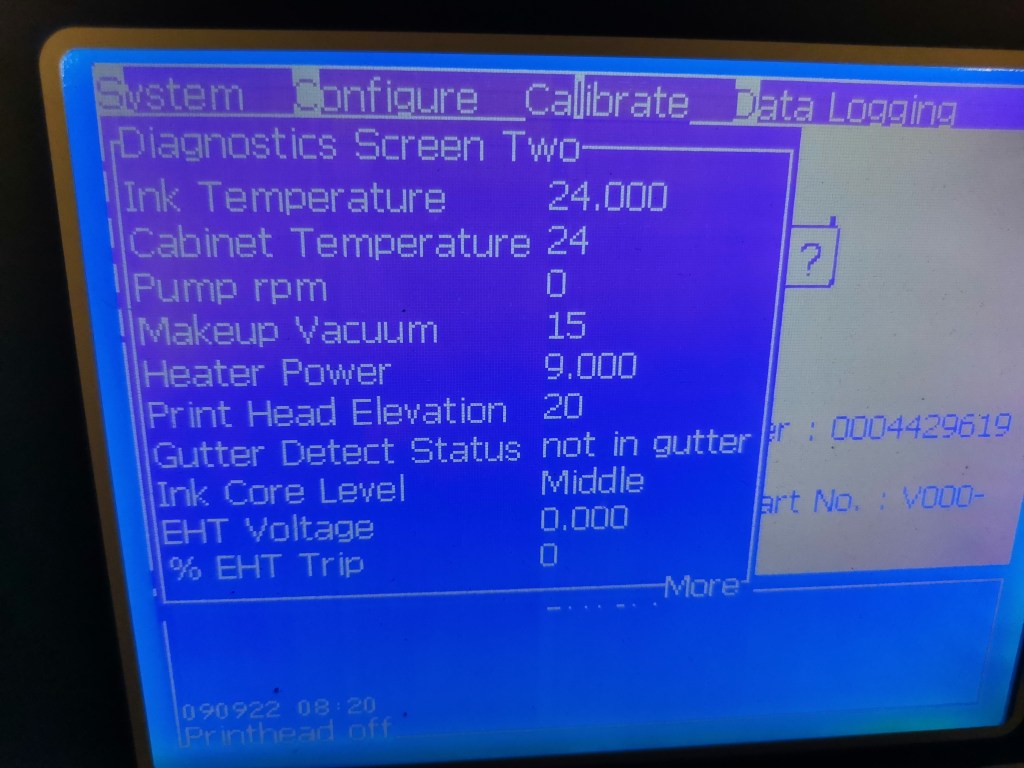
Problem solved. Easy right.
If you have any other questions, please feel free to contact us, we are happy to help.


 L&S CIJ Codification Parts