
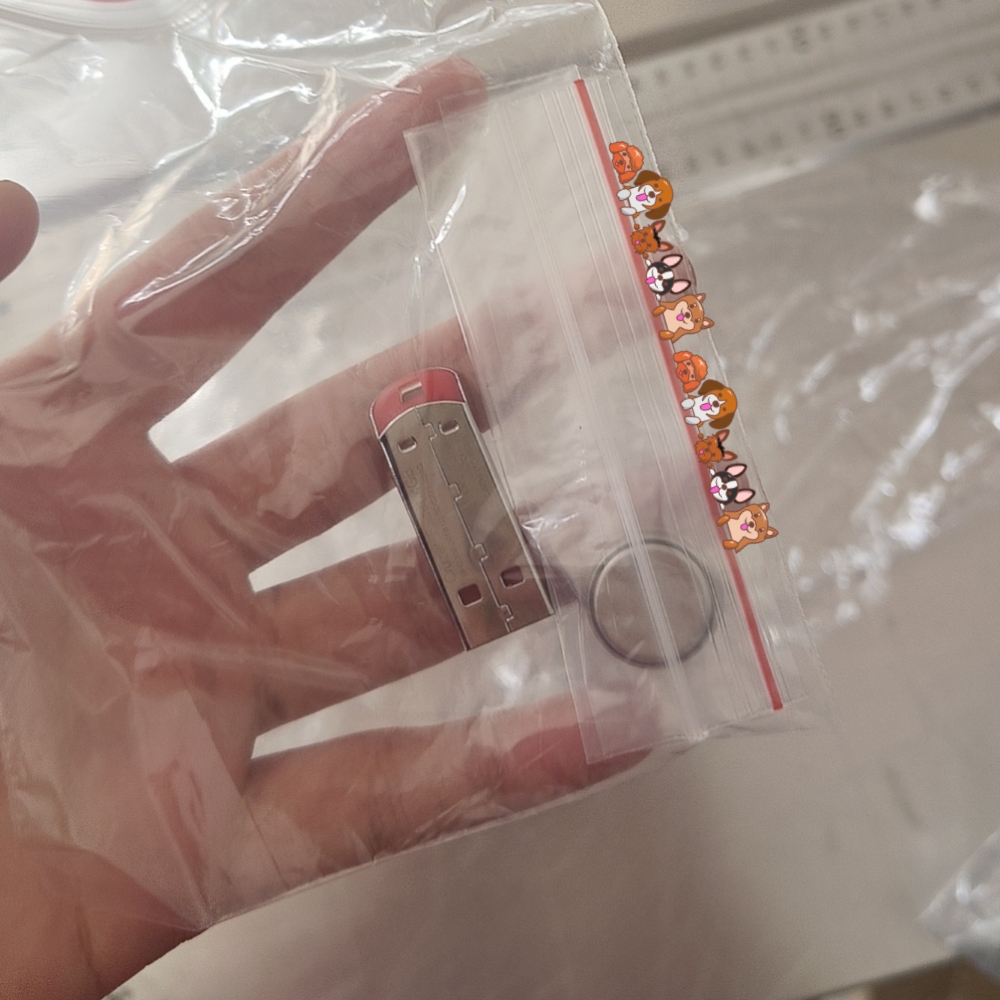
Are you troubled by the password to re-set your Linx 5900 printer service hour? Worry not, with our unicorn chip, you can easily by pass the password and reset the service hour by yourself.
Here are the few steps to install the unicorn chip and re-set your printer.

If your printer is with 13 digit PRC code, we could refresh the main board by either setting up the parameters directly, or by USB.
1. Turn off the printer
2. Install the Unicorn chip
3. Discharge for 5 mins(plug off the line LK4 on the main board)
4. Turn on the printer, set up language
5. Enter password 90716696, the rim of the screen turns red
6. manu-setup-printhead-printhead type-printhead code-ink model-set up code ID(KXLMP9-AEYHMV-MMT9J4-8NKYLK)-set up service time 6000 hours
7. Set up printer time and date.The red rim disappears.
If your printer is with 20 digit PRC code, we need to use the USB to refresh the main board after discharge, and the service hours will be 2000 hours.
1. Turn off the printer
2. Install the Unicorn chip
3. Discharge for 5 mins(plug off the line LK4 on the main board)
4. Turn on the printer, set up language
5. Enter password ADMIN
6. USB-Restore printer data from USB
7. Set up printer time and date.
As you may need the schedule maintenance kit code to reset the service hours, please feel free to let us know, we will provide the code for free.

If you store loads of info in your printer, please back up the info first. Here is a video of how to set up the Linx 5900 after installing the unicorn chip. For more info, please feel free to contact us.




 L&S CIJ Codification Parts