
When your printer shows there is 0% ink or make up, but the cartridge is actuall full, the problem may lies in the vacuum issue.
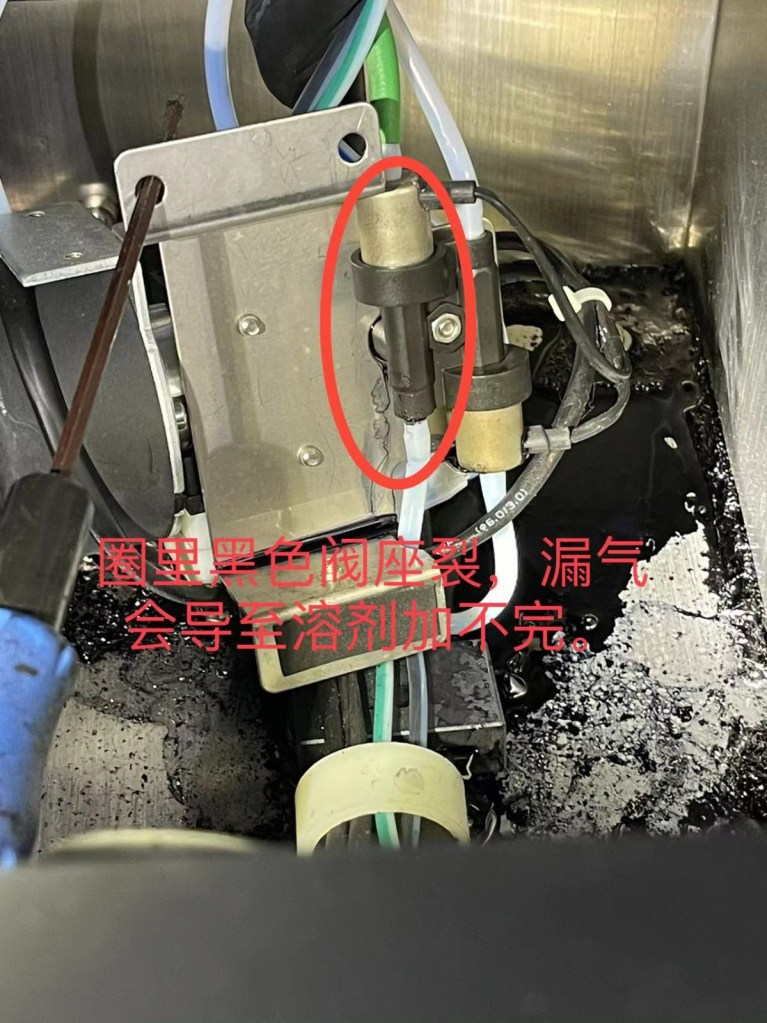
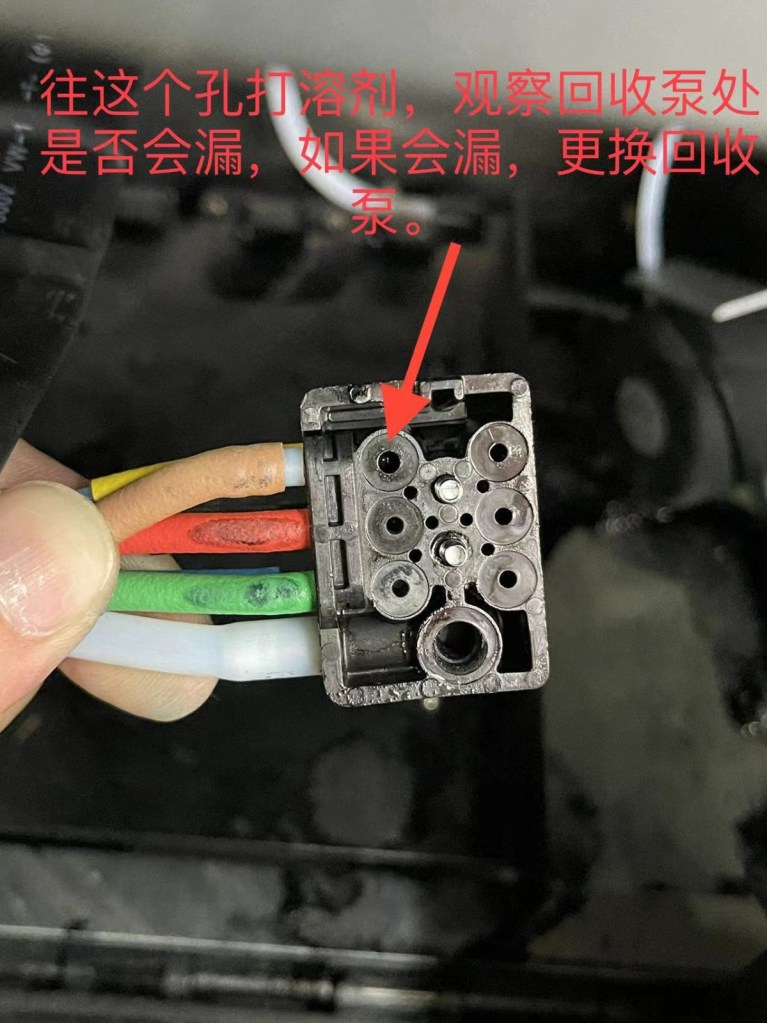
Firstly, we take a look at these two parts, to see if there is any leakage. If there is leakage here, we’d better replace a new one. If the parts are fine, no make up comes out from them, then the problem mostly lies in the inkcore. But before we jump to the conclusion, we should have the inkcore checked.
Let’s go to the printer data system, choose “Edit Scratchpad Sequence”, enter the Scratchpad Sequence, and run it. We can see the reading of “Makeup Vacuum” is jumping ups and downs, if the gap between the higher and lowest number is more than 200, then the inkcore is fine, we need to look into the vacuum problem further.
If you have any questions, please feel free to contact us.


 L&S CIJ Codification Parts