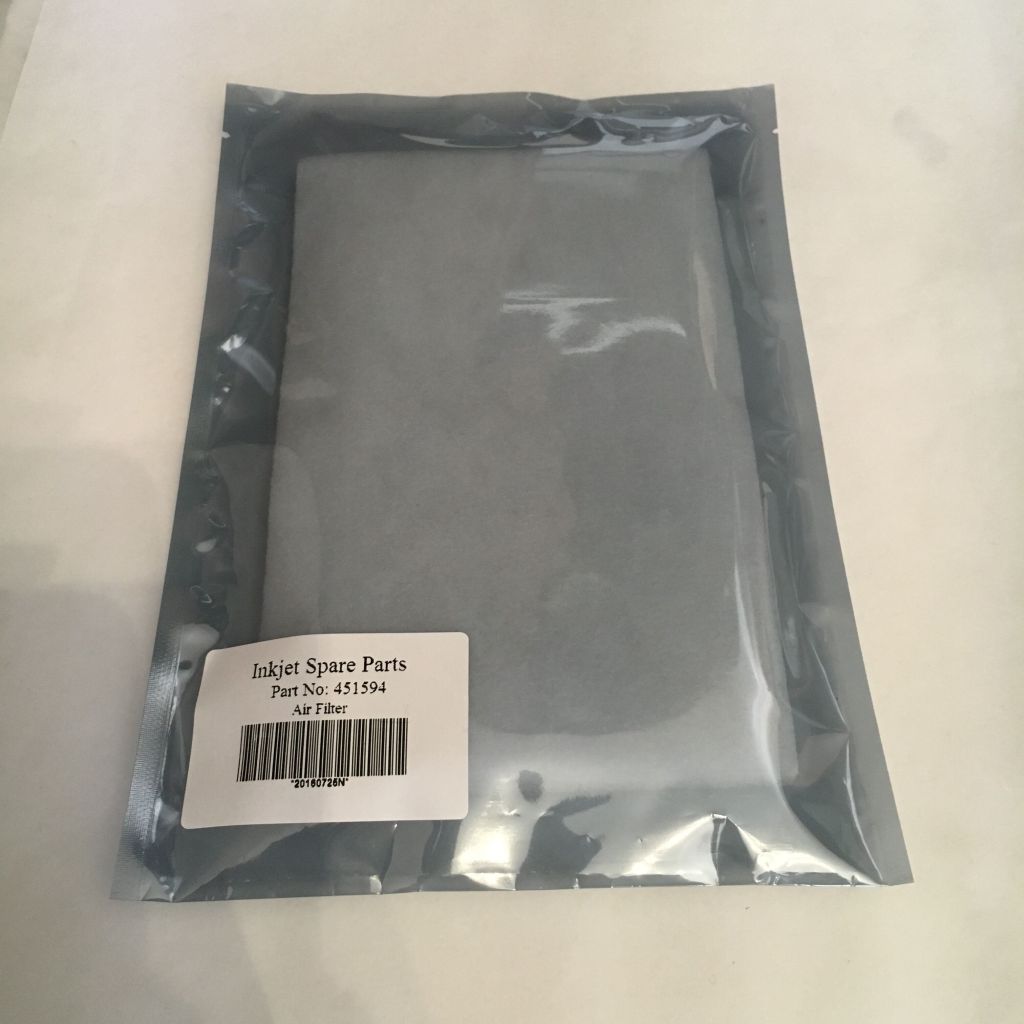
We have lots of air filter, compatible to Markem Imaje, Domino, Hitachi(451594), Alphajet etc. Don’t be overwhelmed, let’s take a look at some of the most hot sale air filters.
Please let us know on which printer model the air filter applied on, we will send the right one to you. If you are not sure about the size fits or not, we can measure it. Feel free to drop us an inquiry now.
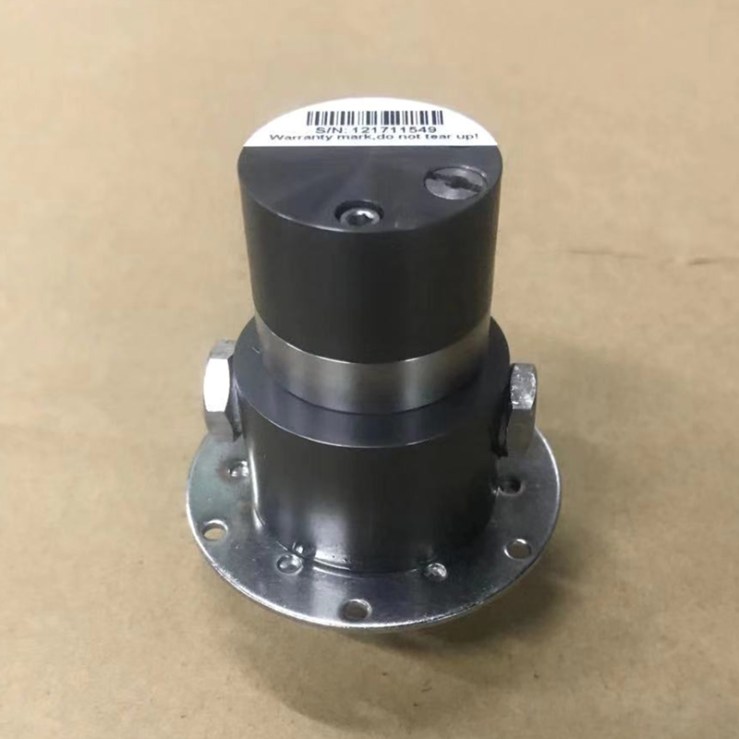
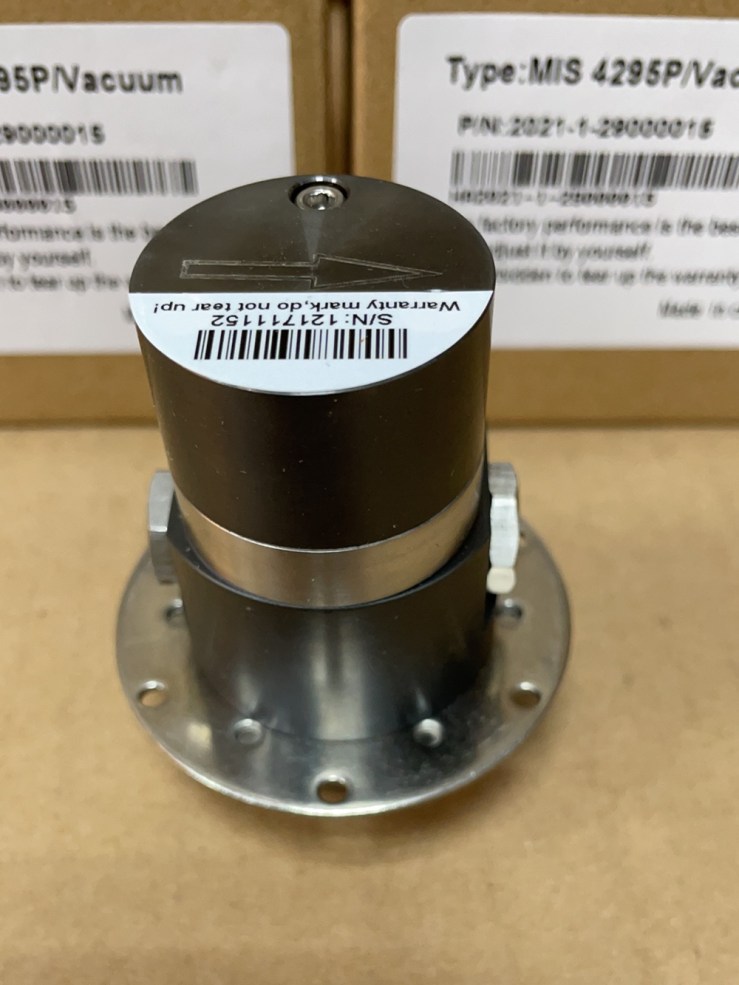
When we turn our Markem Imaje 9040 printer into one that suitable for white pigment, the pumps need to be upgraded too. Because unlike liqui-like black ink, white pigment is stickier and could easily holds the pumps from working. Therefore we need a stronger version of pressure pump and vacuum pump for white pigment 9040 Markem Imaje continuous inkjet printer. Here are the pictures for your reference.
Pressure Pump for 9040 White Pigment PrinterVacuum Pump for 9040 White Pigment Printer
These two pumps are with a special black coating, which helps to shake off the white pigment while working, which enble the pump to work longer, also it’s with a stronger inner.
-Maybe…Could you please take a picture of your Leibinger shown as below?
We are not sure if we have the RFID tag for your Leibinger printer, as there are various model and the printer software upgrades from time to time. But we can figure it out with a little help from you.
Please kindly take a picture of the plate, to show if your printer is made before 2016 or not, and also take a picture of the info page, where we can see the printer model, ink/solvent model and software version. With these info, we will know if we have the right filter service RFID tag for your Leibinger or not.
For more info, please send us pictures with your inquiry.
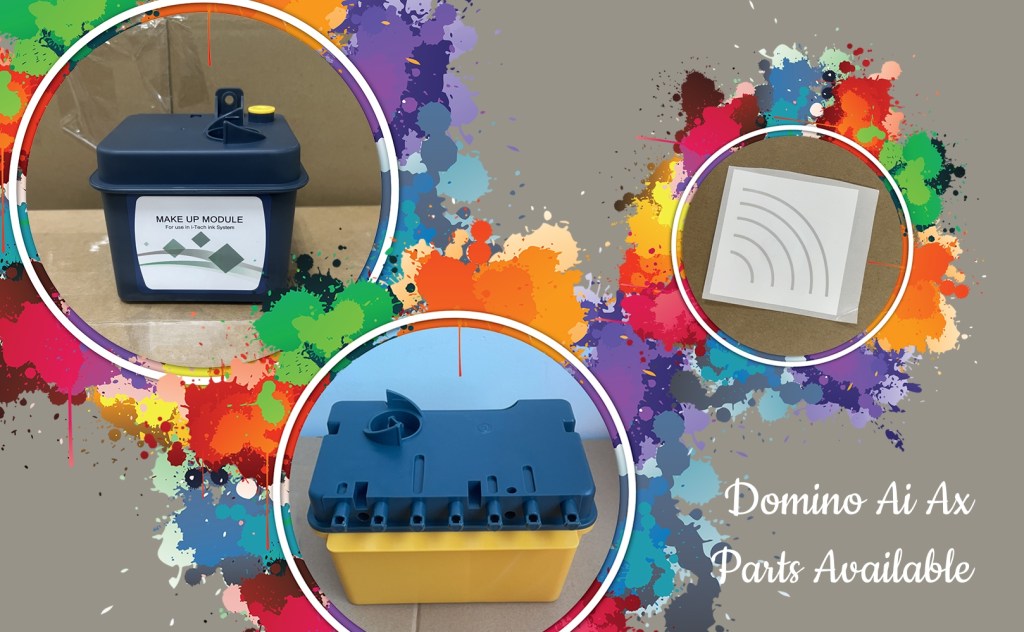
If you are looking for compatible Domino Ai Ax spare parts, please feel free to drop us an inquiry. We got ink and make service module for Domino A320i, RFID tag for Ax modules, Ink and Make Up RFID tags, flush kit, pump, printhead cover, sealings etc.
Have we ever thought of extend life expectancy of the original parts by ourselves. As the original parts, such as pump heads, valves, inkcores, valves, can easily costs us an arm and a leg.
We can buy a new(if with enough budget), a refurbished or a compatible(if there is) one, but why not try to fix the spare part by yourself.
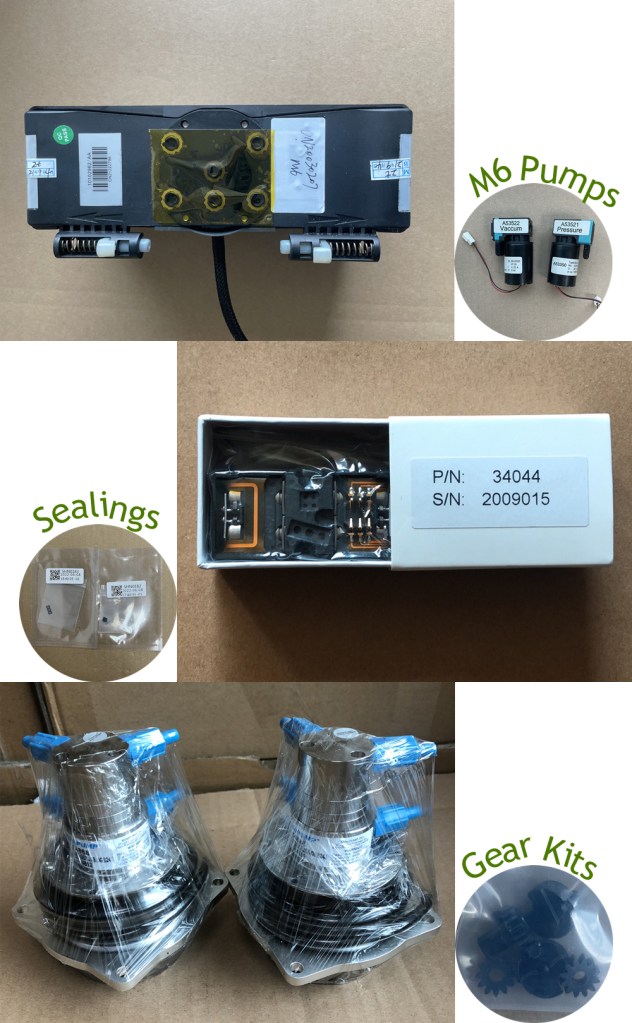
Take the Domino A series pump head for example, in most cases, the problem of a faulty pump head lies in the worn out gears, we could try replace the gears kit first. For the leaky Videojet inkcore and Markem Imaje electrovalve, we can take a look at the sealings.
small gadgets that help fix the CIJ spare parts
We provide various small parts compatible to the original CIJ parts, please feel free to drop us an inquiry, better with pictures.
“Can you please tell me the normal pump rotating speed for the blue ink? Cause I have to raise it to up to 2000rpm to make the printing smooth”, asked my client Jack. Um this is a tricky question, because I know Jack has a 9040 black ink Markem Imaje, which should not apply blue in on it.
Let me explain from the start. There two types of 9040 Markem Imaje CIJ printer, one for black ink only, which has a pump in it; the other is for black/blue/white pigment, which doesn’t use a pump but a cylinder to draw the liquids up.
So if we apply blue ink on a 9040 for black ink only, the pump will not be strong enough to create the pulling, so we need to raise up the rotating speed to make the pump work faster. That’s what Jack did.
Blue Pigment in 9040 Black Ink Printer
For more questions about Markem Imaje liquids or spare parts, please feel free to contact us.
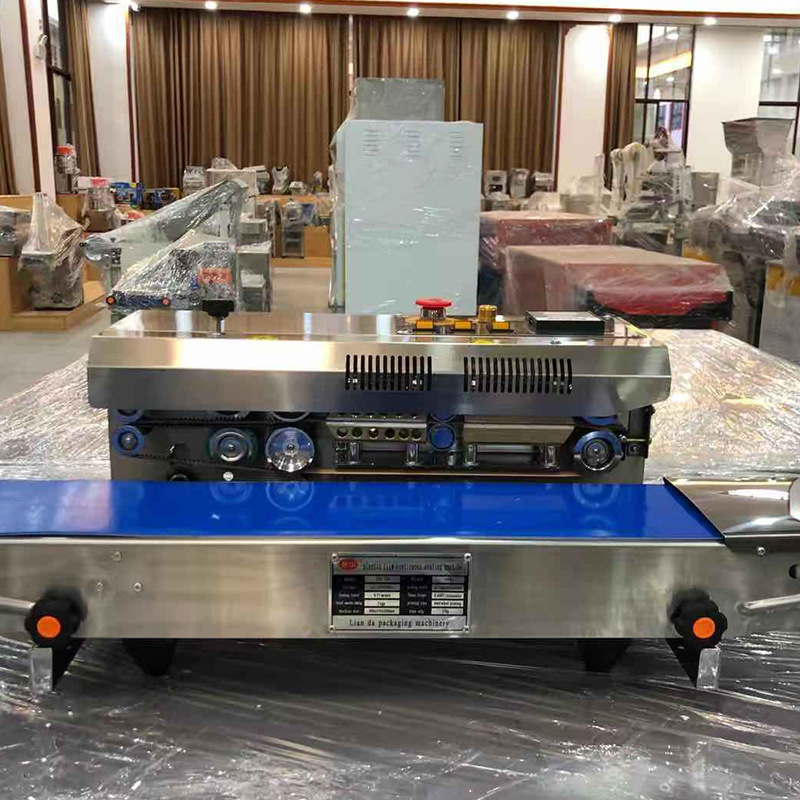
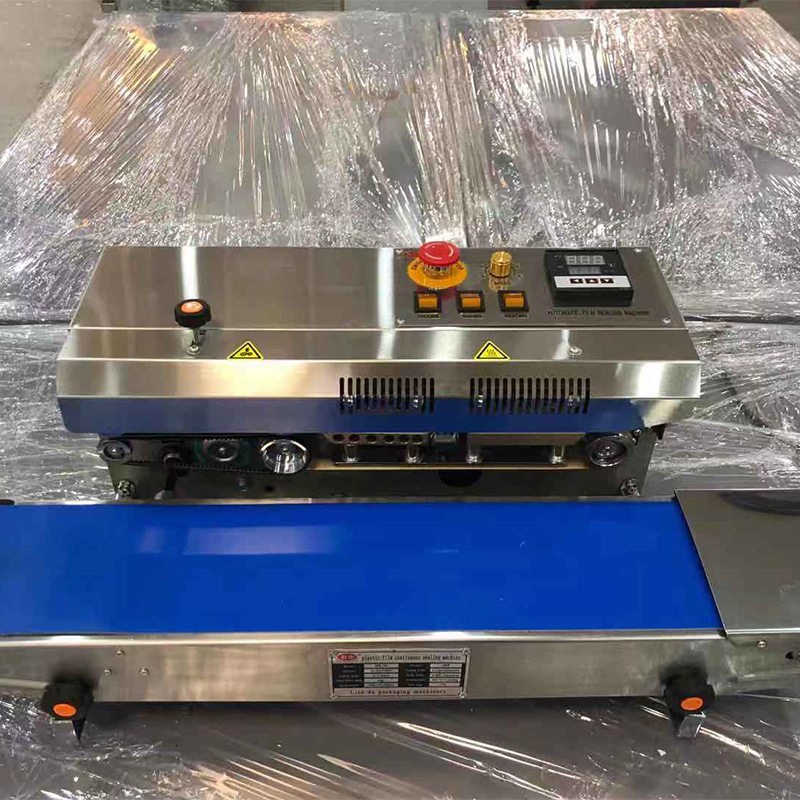
There are clients ask for such continous sealing machines. We don’t produce them by ourselves, but we can buy it and ship it with our spare parts together.
There are two types of continuous sealing machine, one is able to print dates, while the other can’t. Both are of good quality, plastic bags, aluminum foil bags, tea bags, shrinking films are all sealable.
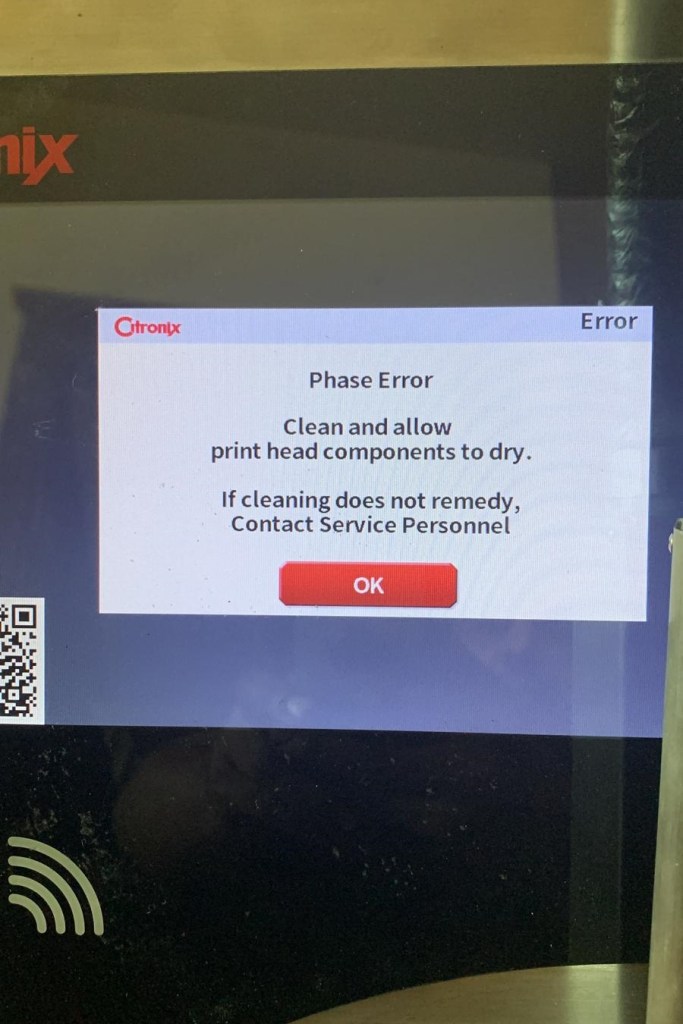
What can we do when we run across this error sign? First of all, follow the instrution, to make sure everything inside the printhead is dry. Then, we could have the nozzle cleaned. If the last two steps can’t fix the problem, we could try to re-connect the connectors on main board, make sure every thing is properly connected, so that message can go through the printer without any hinter.
If all three steps still can’t solve the issue, we may need to take further action, please let us know what’s the error sign now, and we will figure out the next trouble shooting step.
If you have any questions or inquiries, please feel free to send us a message, we will reply asap.












 L&S CIJ Codification Parts