
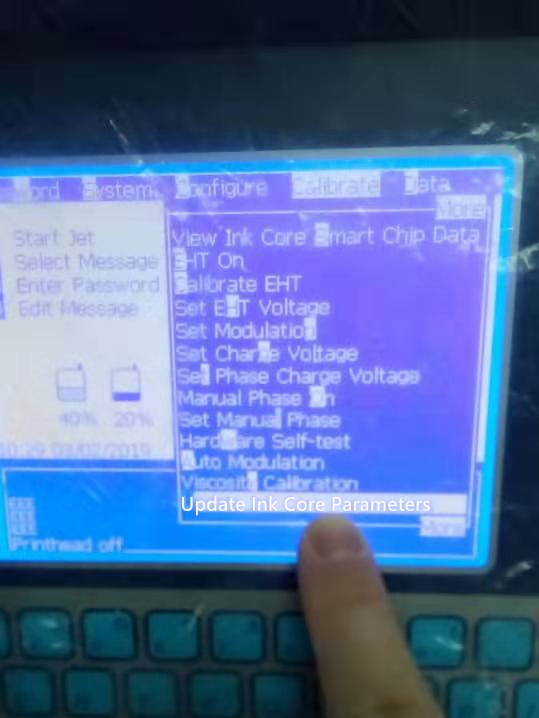
Have you ever been in this situation, that you need to apply another type of ink and solvent in the printer, but don’t know how to erase the previous liquids data and input the new ones.
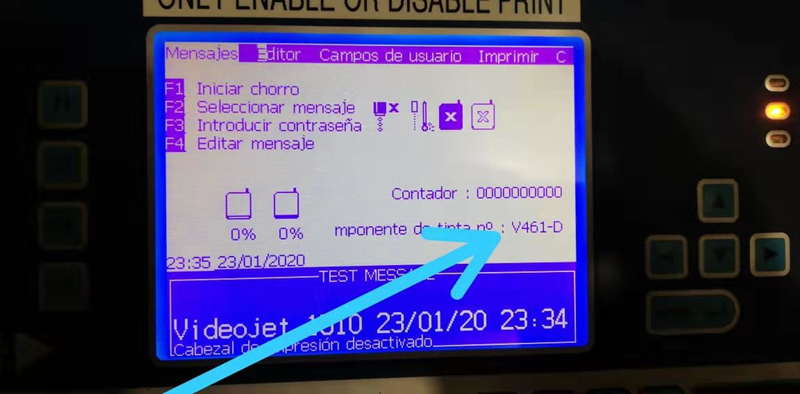
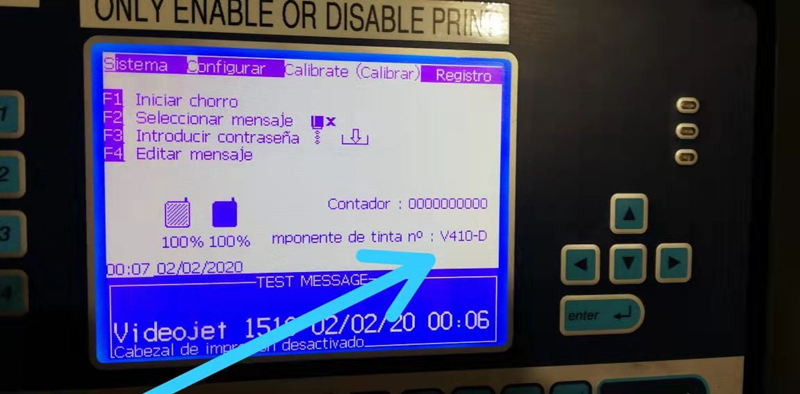
Let’s take Videojet 1510 continuous printer as example, to update ink parameters from V461-D to V410-D.
- Install the new ink and solvent cartridges
- Input password
- Check
- Update ink parameters
Let’s start cracking. If you still have any other questions, please feel free to contact us.


 L&S CIJ Codification Parts