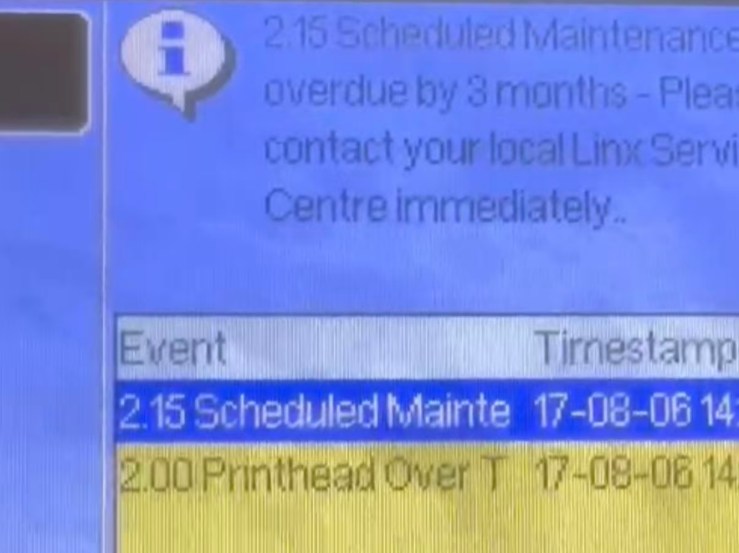
Don’t panic if a error message pops up when you turn on the printer, there is always a solution to fix it. Take a 2.15 error in a Linx industrial continuous inkjet printer for example, here is how we solve the problem step by step.
The error message will tell you where goes wrong. We can check the user manual to see what action shall we take to solve this issue. For the 2.15 error, we need to enter the Easi Change Code on the FA65027 maintenance kit, then problem solved.
Not all errors can be solved easily like this, but all we need is to follow the user manual step by step to rule out the possbilities that may cause the issue. We may need to change a new set of filters, clean the printhead, replace a valve etc. With patience and the right tools, we will get the printer work again.