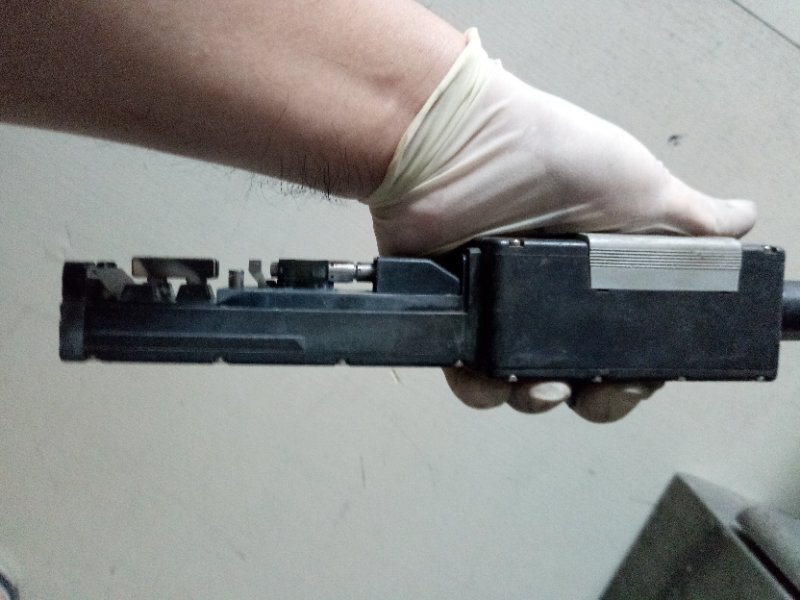
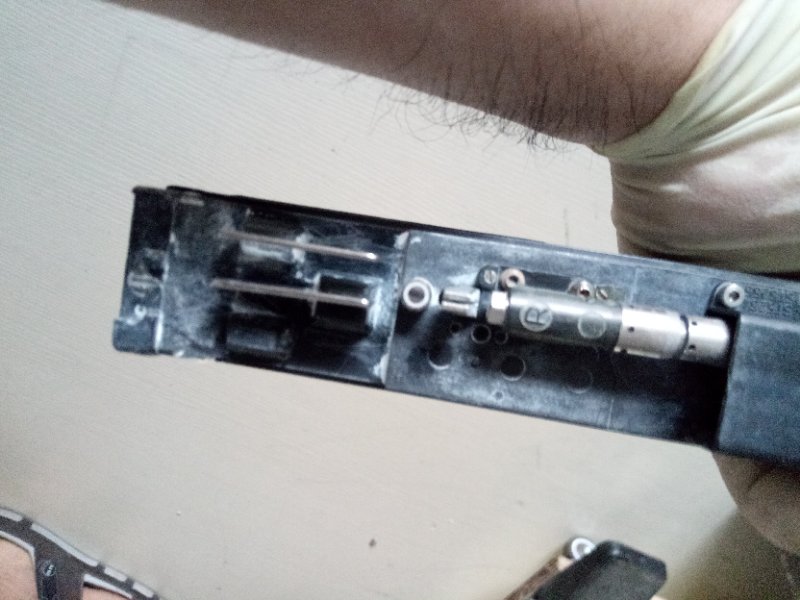
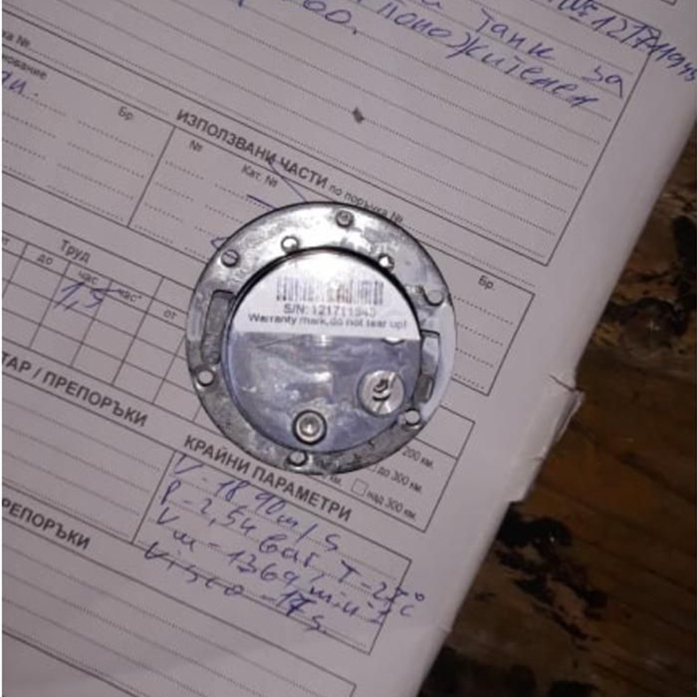
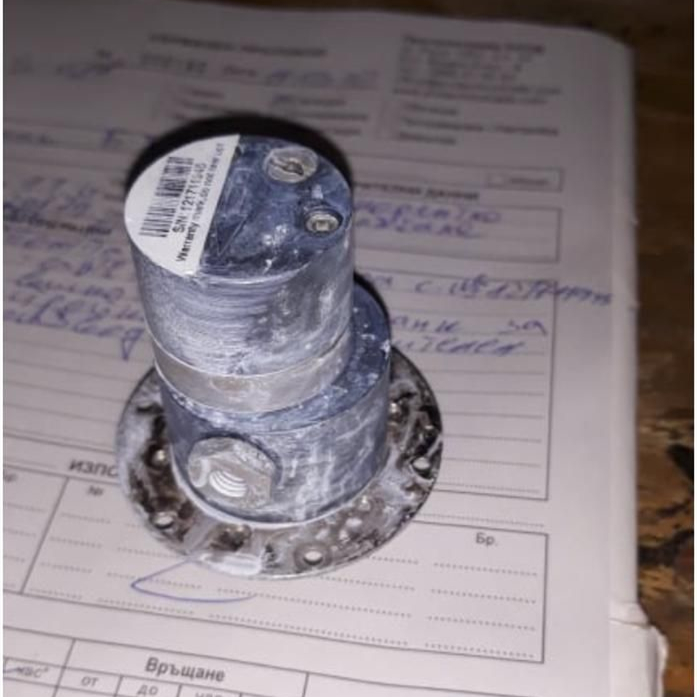
New Type D & E of Inkcore Board of Videojet Small Character Inkjet Printers

There are mainly three types of inkcore board for Videojet small character inkjet printers, type A B & C.
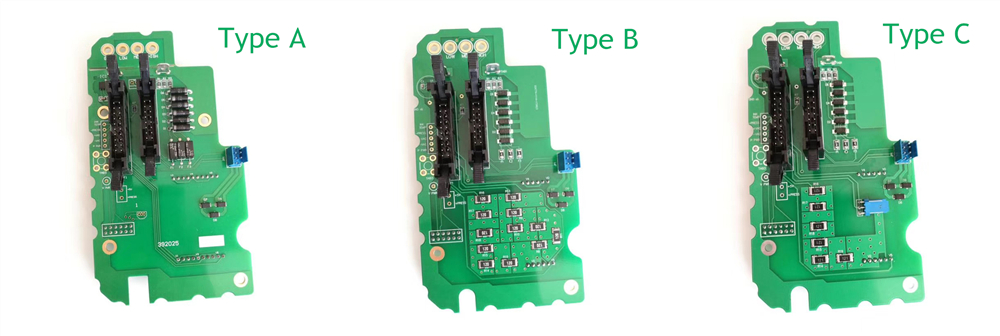
Now we have two new types of inkcore boards, type D & E.

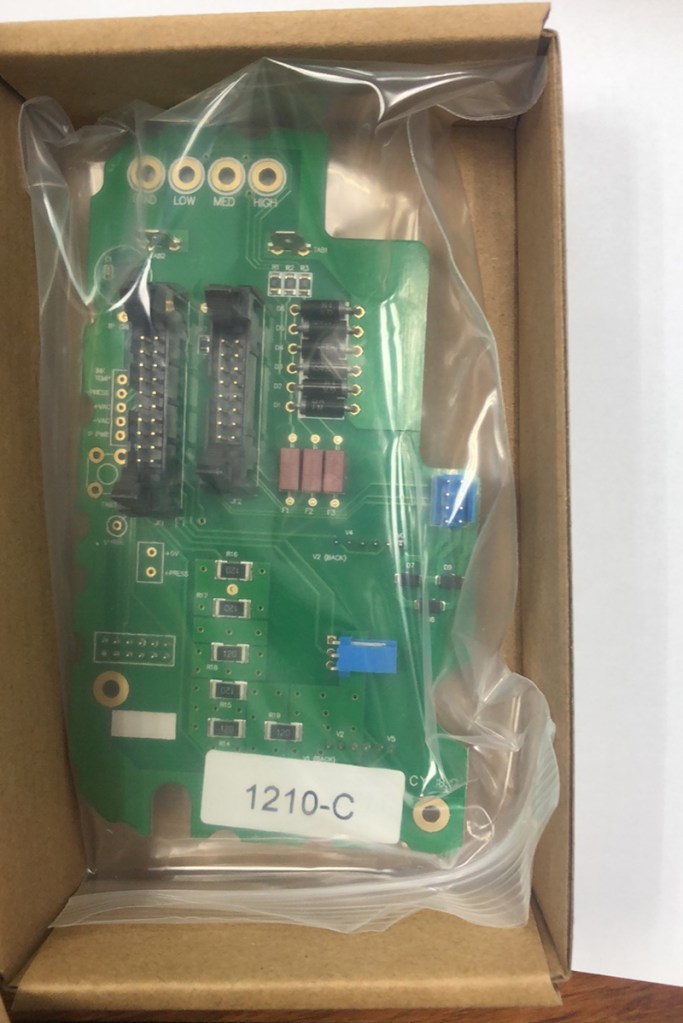
As we look closely at these 5 types of inkcore boards, we can find type A B & C look very much similar, the differences lies on the bottom right part, type A inkcore board doesn’t have any square black dot, type B got 12 ones, while type C have 6 black dots line up in “L” shape.

Type D & E are slimmer than type A B C, these two look similar two, the only difference lies on the middle right part, the 3 little electronic gadgets on type E are bigger.

Despite all these surface difference, the fundamental differences among the Videojet inkcore boards are the program inside the PCB. And one very import thing to bear in mind, every Videojet CIJ printer, such as 1210, 1220, 1510, 1520, 1610, 1620 etc, they can have inkcore board from A to E type, please do take a picture, or be specific of which type(A/B/C/D/E) are you looking for.  
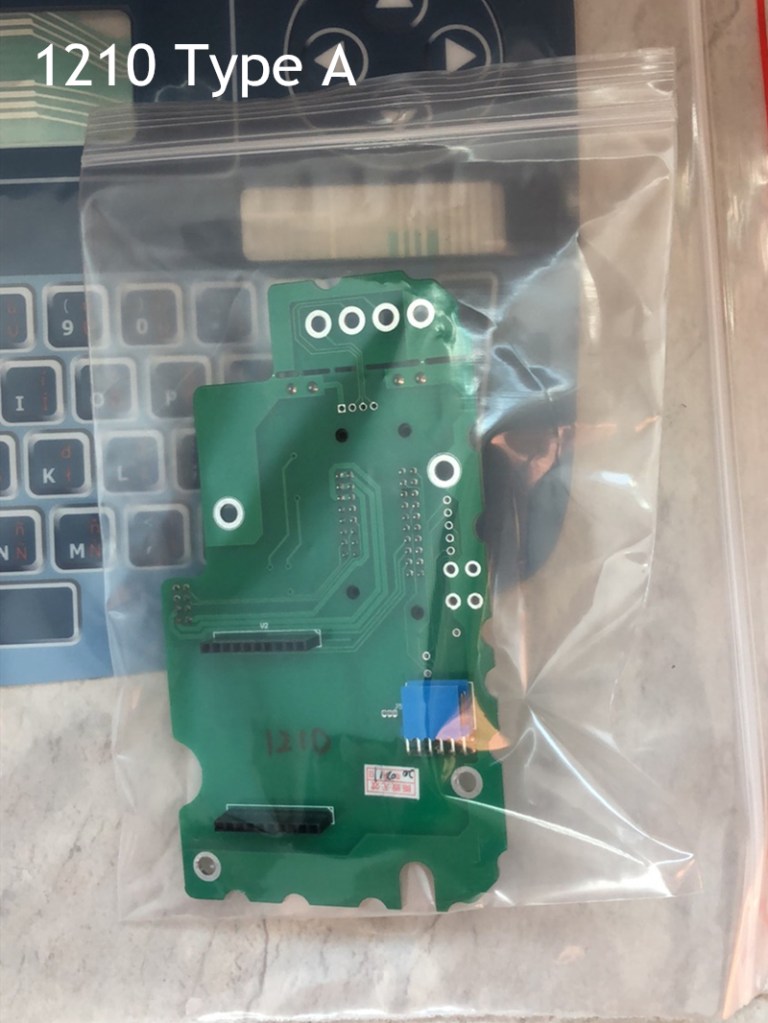
Here is a example of we deliver a compatible 1210 type A inkcore board to our customer, which is the most common type, but it turns out customer actually look for a type C inkcore board. So without any delay, we deliver the type C inkcore board to our customer asap. Though both of us share 50/50 responsibility, we cover all the fees for we could prevent this happening, if we gives a heads-up to custom in advance. It’s a lesson to learn, do figure out which type of Videojet inkcore board you are looking for, or else it will be a waste of time & money.

Go back

Your message has been sent

Warning
Warning
Warning
Warning

Warning.

Two Types of Markem Imaje 9040 Print Head

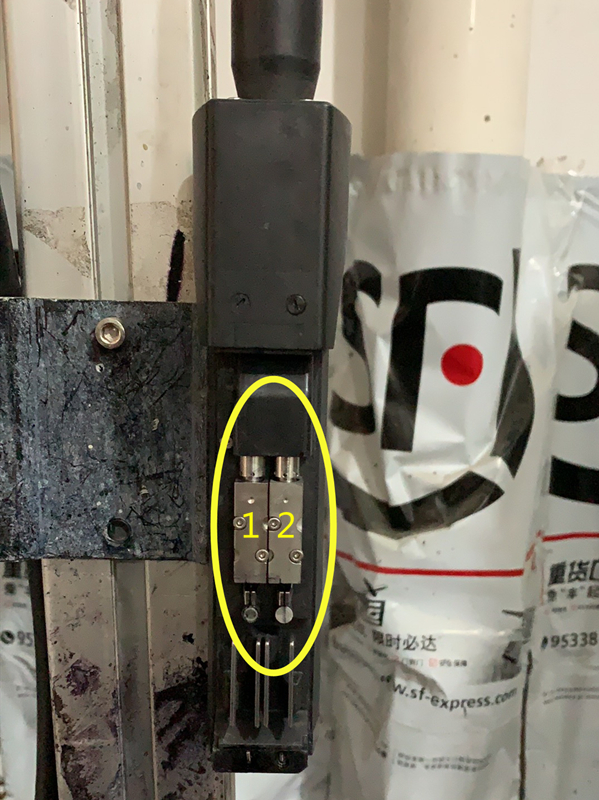
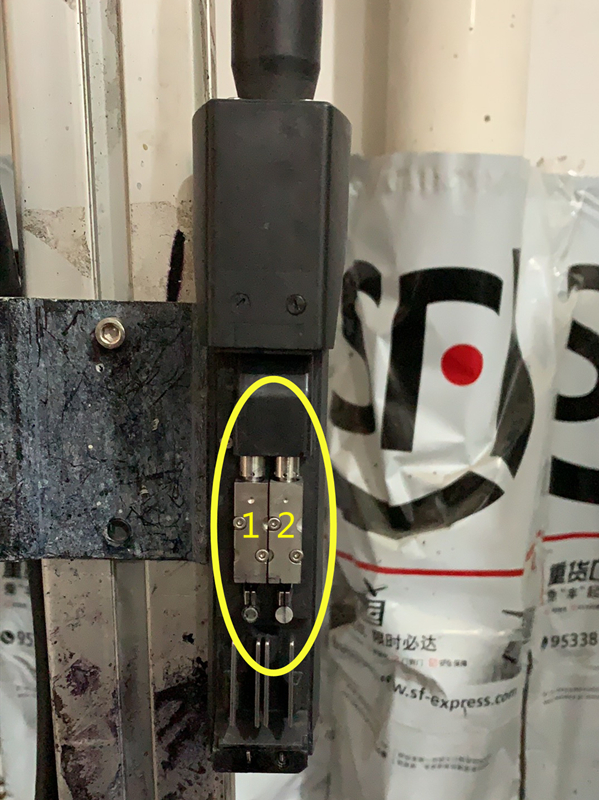
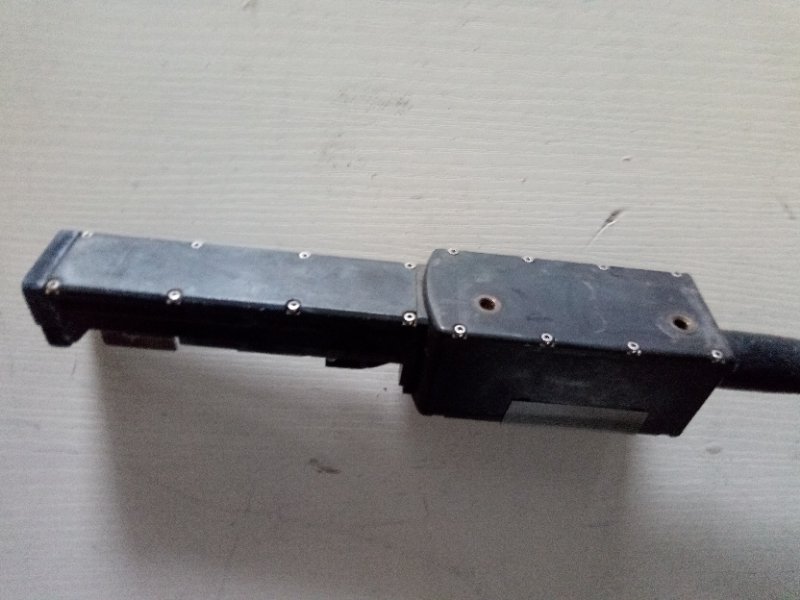
Markem Imaje 9040 got two types of print heads, one with single jet, the other one with bi/twin jet. Let’s see how these two print heads differ from each other.

The part number of Imaje 9040 single jet print head is ENM35370, print module(9040-1G-L=3 meter). 1.1G means it’s with single jet nozzle, printing effect up to 4-line per time, umbilical 3 meters long.

The part number of Imaje 9040 bi/twin jet print head is ENM35372, print module(9040-1.2G-L=3 meter). 1.2G stands for bi/twin jet, it can print up to 8 lines per time.

Also ENM53370 & ENM35372 are for standard black ink printer 9040 model only, they are not compatible with 9040 Contrast model, which applies white pigment.

Go back

Your message has been sent

Warning
Warning
Warning
Warning

Warning.

Markem Imaje Refurbished ENR36868 9040 Contrast Print Head

Here we are going to clarify a little bit that refurbished Markem Imajeprint head for standard black ink, does not compatible with white pigment printer. That is because the structure of white pigment is far more complicated than standard black ink, which is thicker and powder-ish. If you keep the white pigment still for a while, you will see there are three layers, on top is oily material, the middle one looks like just liquid, the bottom one is heavy white powder, while in standard black ink you will not see such layers.

So when the Imaje Contrast printer is on, it takes extra effort for the pumps & print heads to work with the sticky, powder-ish consumable. What will happen if we insist to install the spare parts for 9040 on a 9040 Contrast? Well for starter, the spare parts work fine for a few days, or weeks, then it will stop working, for the white pigment working situation is more than the parts can bear anymore. For Markem Imaje pumps, print heads, please tell us if they are applied on standard black ink printer such as 9040, 9450 etc, or on the colored pigment Contrast model.

Go back

Your message has been sent

Warning
Warning
Warning
Warning

Warning.

What If the White Pigment Markem Imaje Shows No Pressure

As white pigment is stickier & with large particles than standard black ink, it easily causes the pressure pump stuck & therefore 0 pressure faulty notice pops up.

When we come across this situation, no worries, take a deep breath & let’s fix it. Chances are the pump is stuck, we just need to soak the white pigment pressure pump in cleaning solution and clean it up. If you want to have a thorough clean, say open the pump to have a deeper cleaning, please do remember don’t screw the screws too tight or too loose when you assemble the pump back. The three pieces of M3 screw torque should be 14kgfcm. If the screws are too tight, the pump will lock itself & stop working at all; if it’s too loose, ink will leak.

Go back

Your message has been sent

Warning
Warning
Warning
Warning

Warning.